See your tattoo — before the needle.
Unlimited AR at 1:1 scale, the full library, AI generator, saved projects, sharing and artist contact.
"Last time I wished I hadn't made the tattoo bigger. That will never happen again! Such a relief to test the exact size and placement at home first."
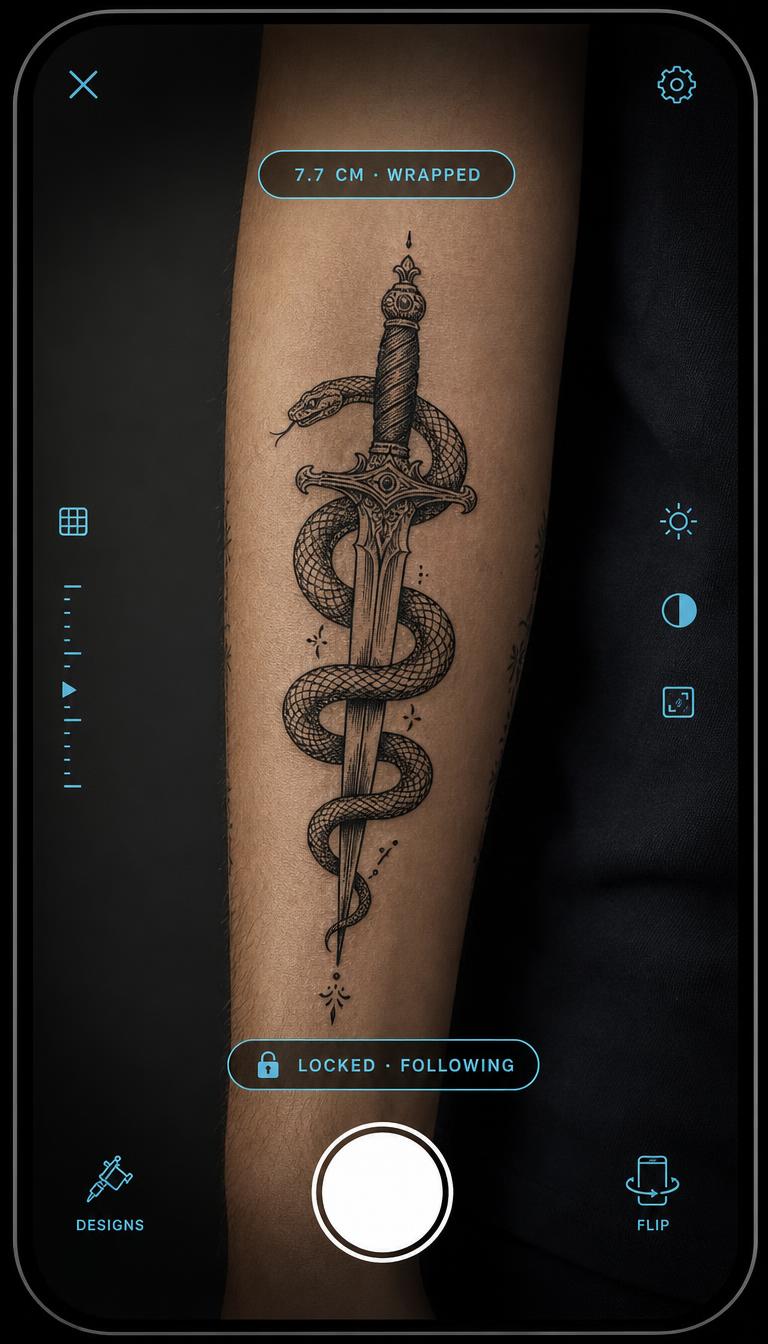
How it works
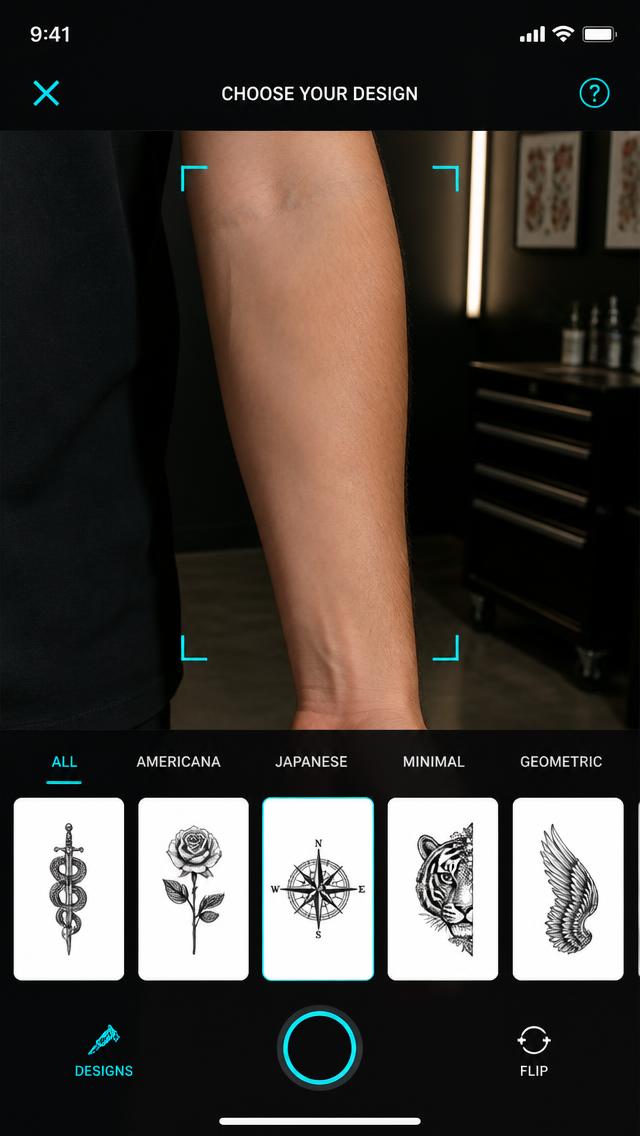 Step 1Pick a design
Browse the library or upload your own sketch.
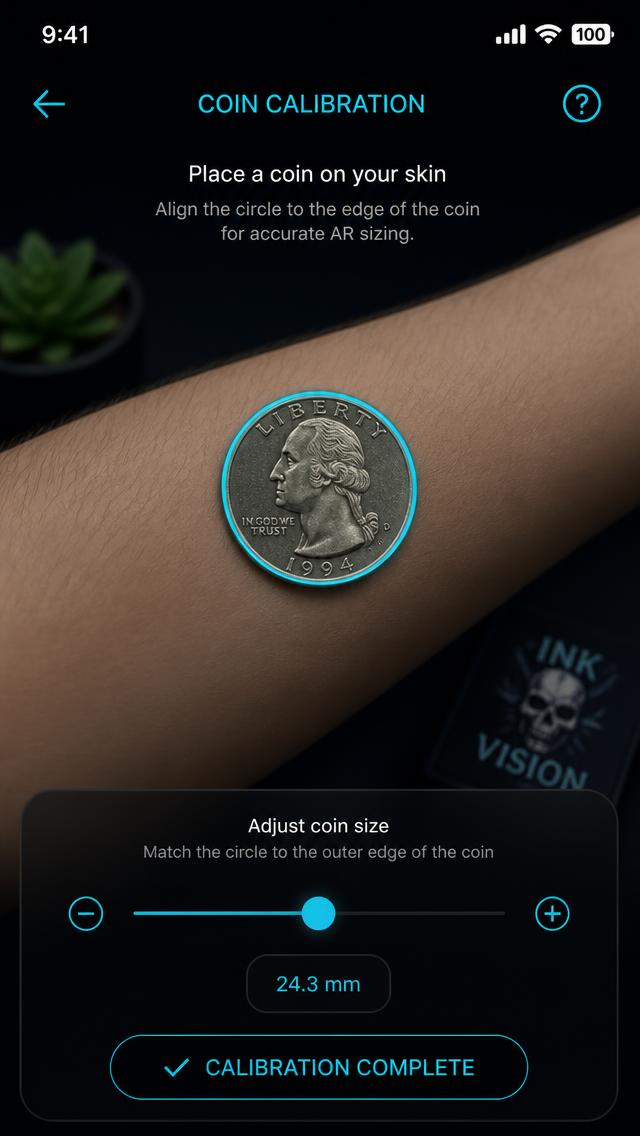 Step 2Calibrate with a coin
One match and every size on the skin is true 1:1.
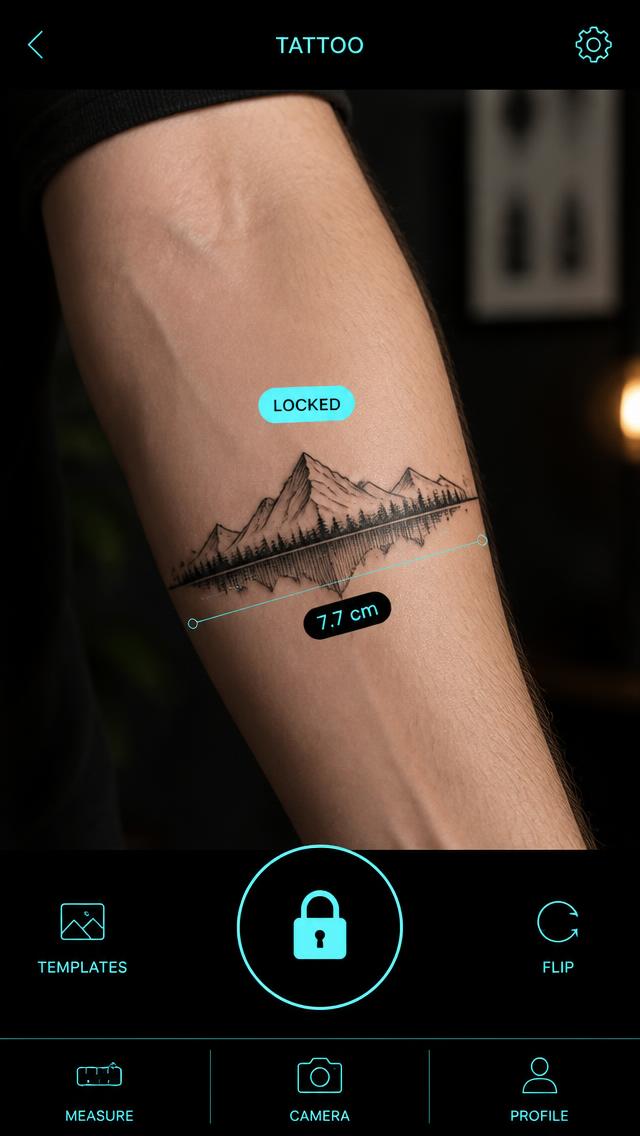 Step 3Lock it — see the cm
The design sticks to the arm while you move and film.
- Upload your drawingsAI makes the paper background transparent.
- The full libraryThousands of designs, every style.
- AI generatorCreate unique designs in seconds.
- Contact artistsBook custom sketches.
- Save & shareShare designs with friends.
- Export PDFWith exact measurements.
Your own image or your own text — right on the skin
Upload your sketch. Shoot it on white paper — our AI automatically makes the white background transparent so only the lines show on the skin. You can fine-tune tolerance and edges, or key out a different color.
Write a text tattoo. Choose from 18 tattoo fonts — script, blackletter, stencil and handwriting — curve the text in an arc and try it at 1:1 scale.
Lock the placement. Once size and placement feel right, lock the design — then you can record video, and the size adapts to the distance to your arm or leg.
"Saved loads of time at the studio. Size and placement were spot on right away"
— Jonas, 34
"My friend and I could finally try out a design for our friendship tattoo"
— Lina, 22
"It's fun to try different designs — I think InkVision gave me the courage to book a tattoo appointment"
— Emma, 26
Completely free · No card · No commitment